mkb punjab gov pk app
The Government of Punjab has officially launched the “Maryam Ko Batayein” initiative ahead of Ramadan 2026 to provide quick financial assistance to deserving families. Announced by Chief Minister Maryam Nawaz Sharif, this program aims to support low-income households struggling with rising expenses.
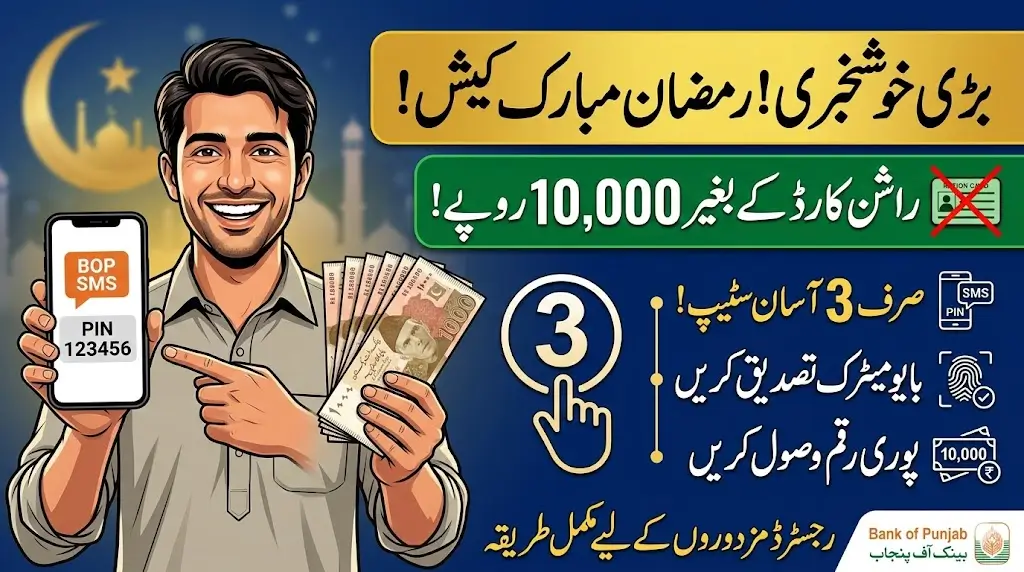
Under this scheme, eligible families can receive a one-time financial assistance of Rs. 10,000 after digital verification. The entire process has been designed to be transparent, simple, and completely free.
If you are looking for the complete guide to the mkb punjab gov pk app, here is everything you need to know.
What Is the Maryam Ko Batayein Program 2026?
The Maryam Ko Batayein Program 2026 is a financial relief initiative launched by the Government of Punjab to help deserving families manage Ramadan expenses.
The assistance amount is transferred after digital verification through a modern online system. Authorities have ensured that the process remains transparent and quick.
Who Is Eligible?
This scheme is specifically designed for:
- Low-income families
- Residents of Punjab
- Individuals with a valid 13-digit CNIC
- Families facing financial hardship
- Those already registered in PSER data (priority given)
If you meet these conditions, you can apply through the official app, online portal, or helpline.
How to Register Through mkb punjab gov pk app
The Punjab Government has officially launched the Maryam Ko Batayein App, making registration easier than ever.
Step 1: Download the Official App
- Android users can download it from the Google Play Store.
- Other users can download it from their respective official app stores.
- Make sure you download only from official platforms to avoid fraud.
Step 2: Open the App and Fill the Registration Form
Once installed:
- Open the app.
- You will see the registration form.
- Enter all required information carefully.
Step 3: Enter Your CNIC Correctly
This is the most important step.
- Enter your 13-digit CNIC number without any mistake.
- Incorrect CNIC details may result in rejection.
Step 4: Provide Your Mobile Number
- Enter the mobile number registered against your CNIC.
- A verification message will be sent to this number.
- Make sure the number is active.
Step 5: Provide Household Information
You will also be asked to provide:
- Number of family members
- Basic household details
- Other necessary information
Ensure that all information is accurate and truthful. Providing incorrect or incomplete details may delay approval or result in rejection.
What Happens After Submission?
After submitting your application:
- Your information will go through a digital verification process.
- Previously registered individuals may receive assistance sooner.
- New applicants may need to wait a few days for verification.
Once approved, you will be informed, and the financial assistance will be transferred accordingly.
Helpline Support
If you face any issue during registration, you can call the official helpline:
📞 1000
The helpline can guide you regarding eligibility and application status.
Important Guidelines
- Registration is completely free.
- Do not pay any fee to anyone.
- Do not share your personal information with unauthorized individuals.
- Only use official platforms for registration.
Why This Program Matters
The mkb punjab gov pk app has been introduced to make financial assistance accessible without long queues or complicated procedures. Families can now apply from the comfort of their homes and receive timely support before Ramadan.
This initiative reflects the Punjab Government’s effort to provide transparent and digital relief to those who need it most.
If you qualify, complete your registration through the official app today and ensure your application is submitted correctly.